At-home capture guide
How to take a passport photo at home with an iPhone
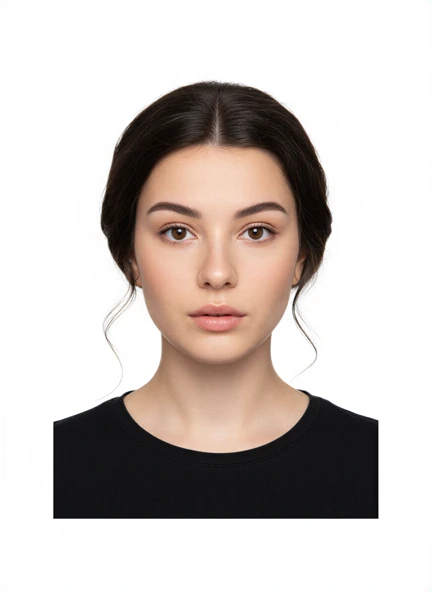
Set up the light, background, camera and framing for a passport photo at home, then review it against the issuing authority's current rules.
Passport Booth resources
Practical guides for taking, preparing and saving passport or visa photos. Start with the task in front of you, and check the official rules for your application.
10 guidesSet up the light, background, camera and framing for a passport photo at home, then review it against the issuing authority's current rules.
Use distance, soft frontal light and simple camera checks to prevent shadows on the face and background of a passport photo.
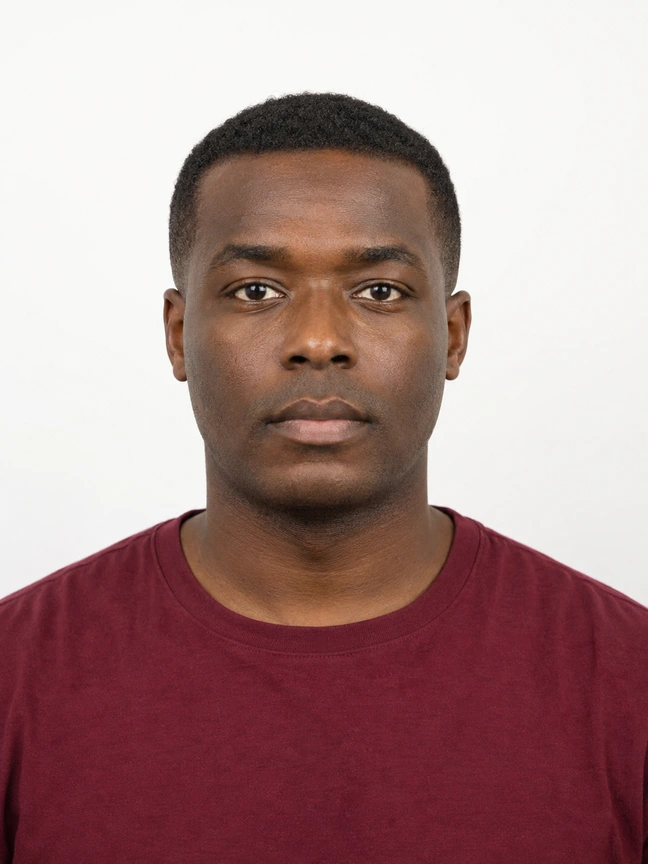
Choose a suitable original image from your iPhone, inspect its quality and decide when a new photo is the better option.
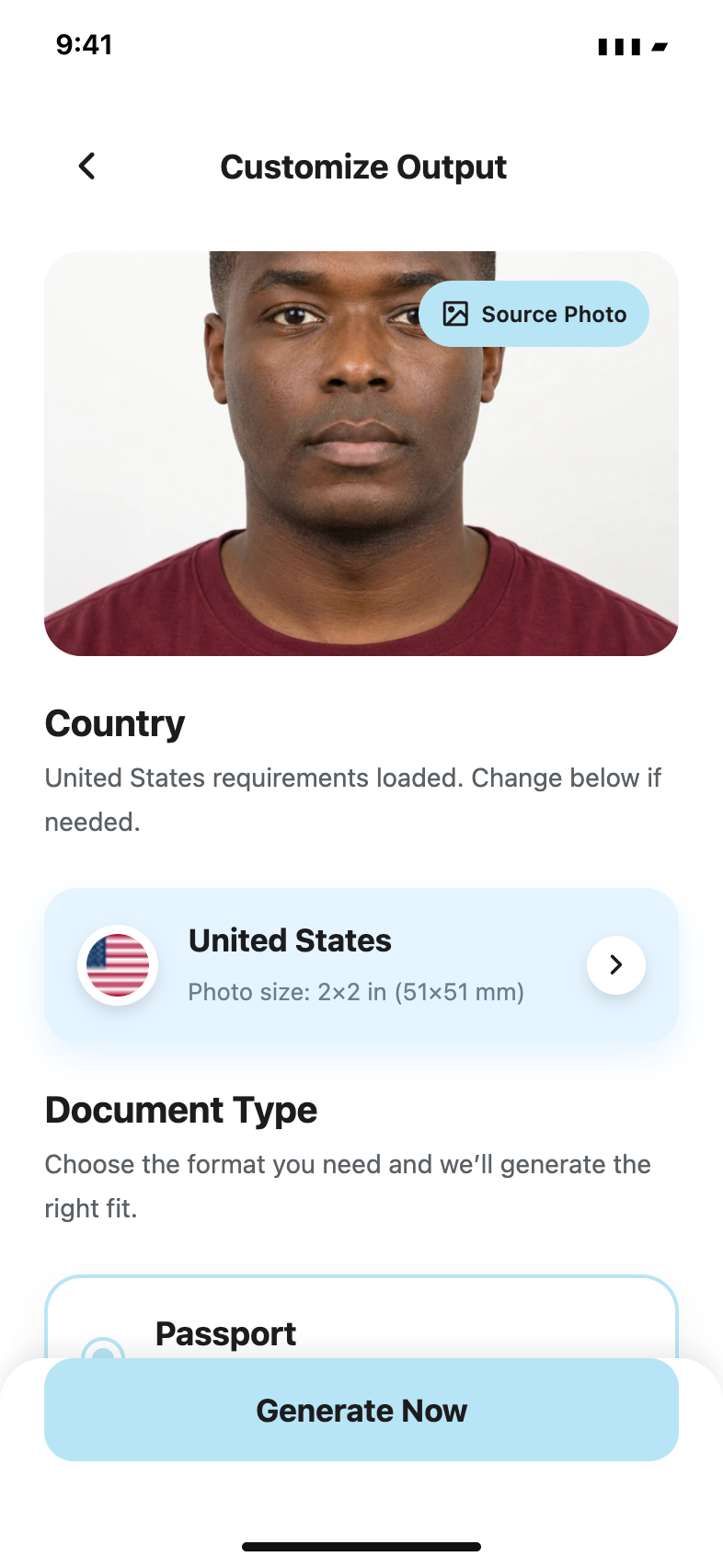
Understand the US 2x2-inch passport photo size, head dimensions, background rule and ban on digital alterations.
Prepare a clear UK digital passport photo with a plain light-coloured background, even lighting and no digital alteration.
Compare passport and visa photo sizes, backgrounds and file rules, and learn why the destination and document must be selected separately.
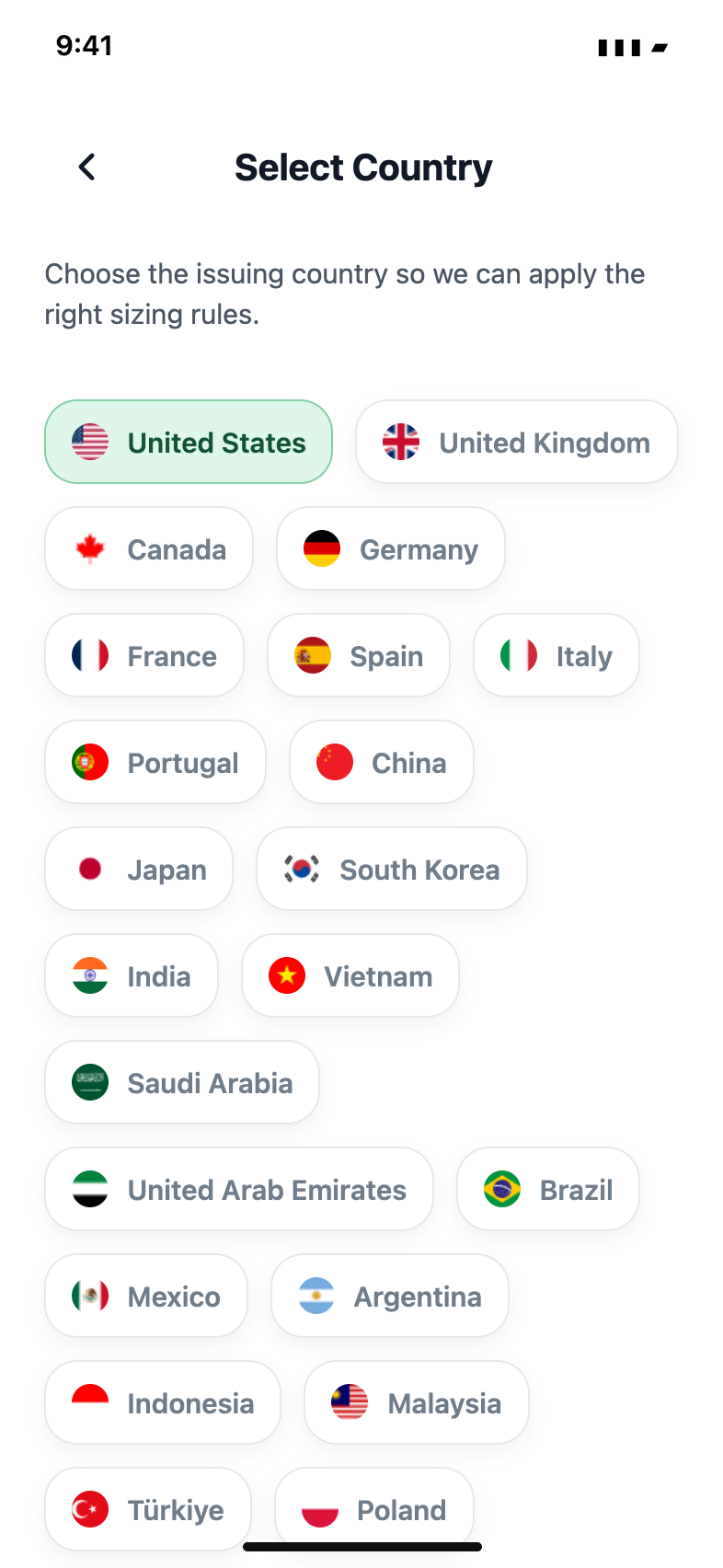
Choose the country, document and application route before preparing a digital upload or a printed passport photo.
Prepare a 2x2 photo layout on 4x6 paper, leave room for margins and check the finished print dimensions before using it.
Understand when to save a digital image, share a prepared layout or generate a PDF for printing from Passport Booth.
Find a previous photo, check its date and application requirements, and choose the available save or print action.