01
Pick your destination.
Choose a country and document type. Start with a preset instead of guessing the dimensions.
YOUR PHONE. YOUR PHOTO BOOTH.
Passport, visa and ID photos. From your iPhone to your next adventure — with the right size, a little guidance, and no trip to a photo booth.
Download on theApp StoreFree download · iPhone & iPad · In-app purchases
How it works
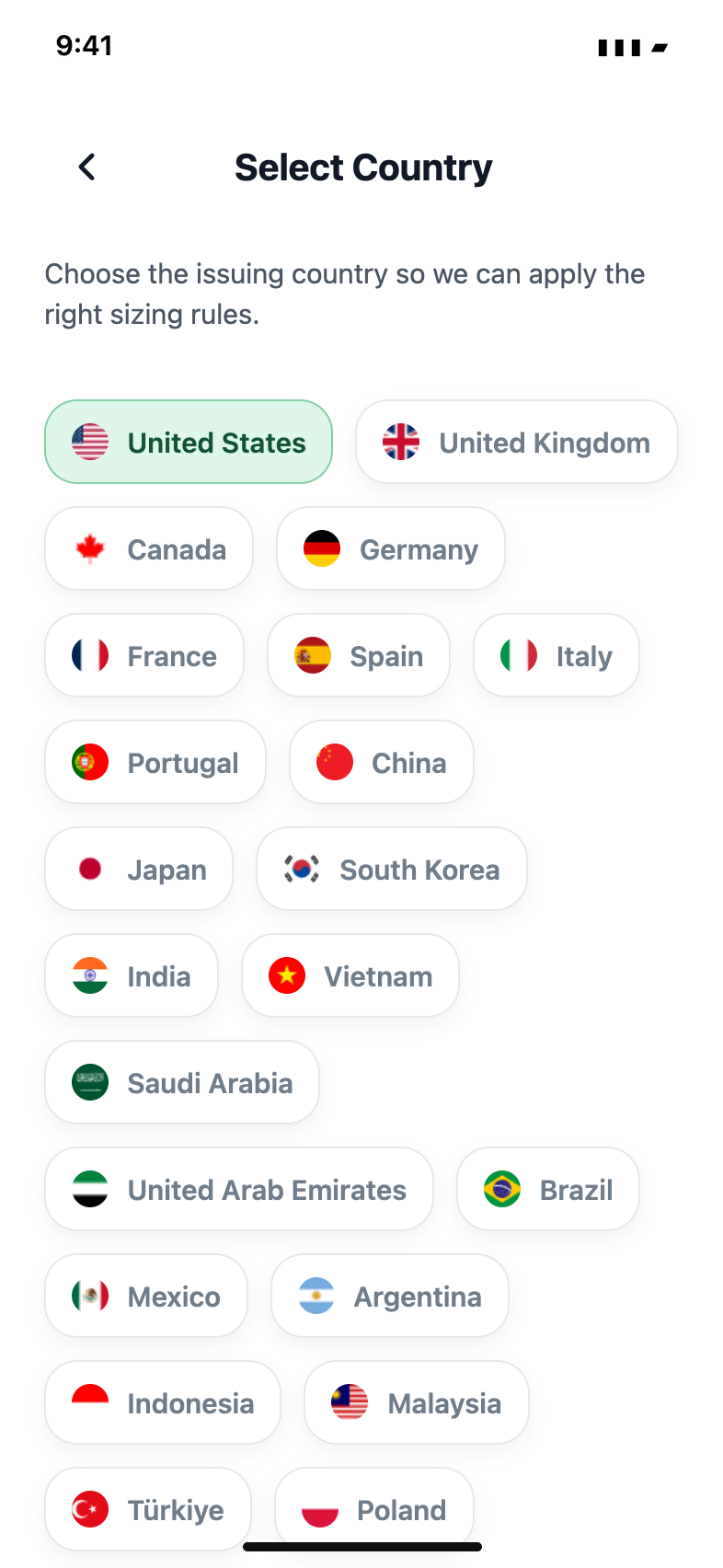
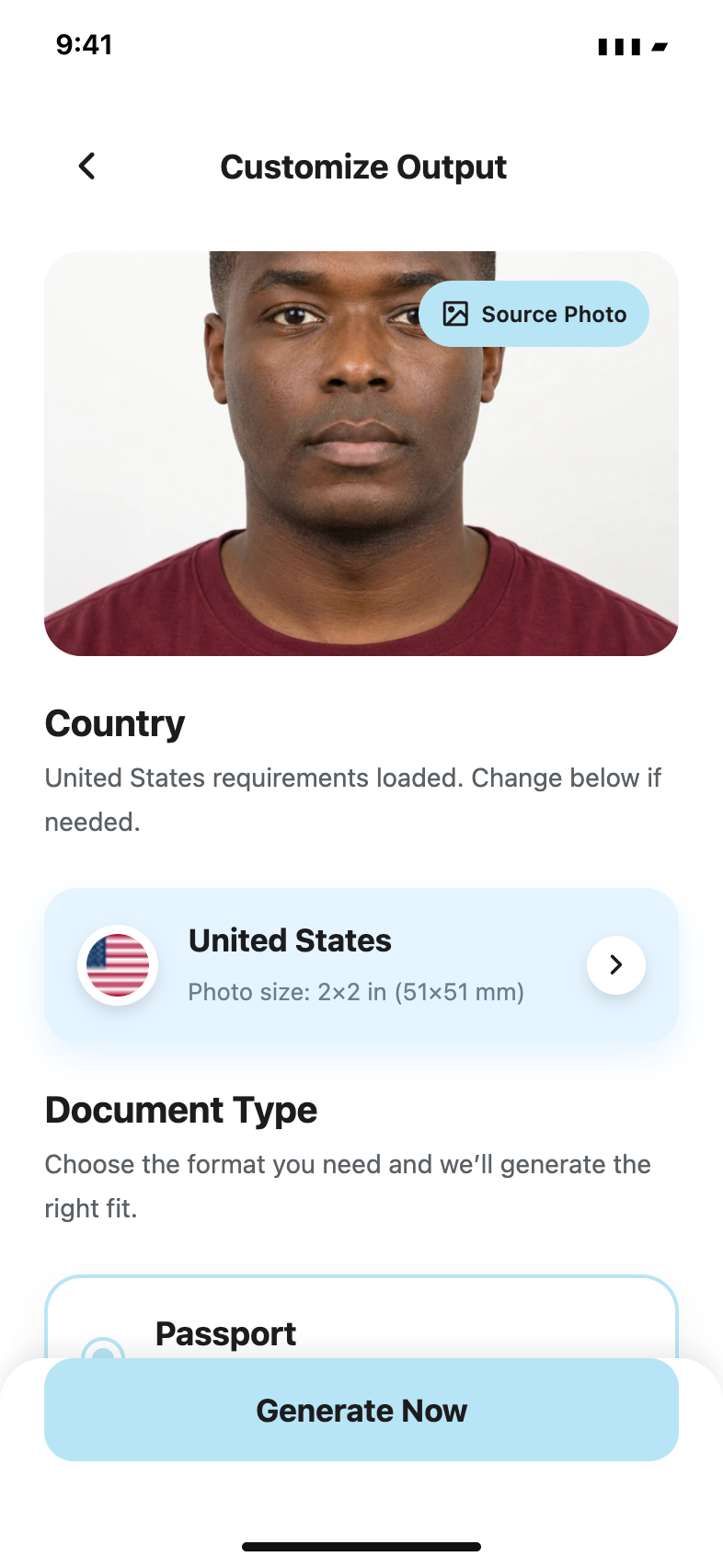
From a photo on your phone to a format you can use.
Choose a country and document type. Start with a preset instead of guessing the dimensions.
Take a photo with face and eye-line guides, or import a suitable one from your library.
Review your photo, then save an image, share a PDF or prepare a sheet to print.
Passport Booth
Passports, visas, ID cards. Find the country and document format for your next application.
Always check the issuing authority’s current photo requirements. Acceptance is decided by the authority.
Photo guides
A little know-how before you get in front of the camera. Explore practical guides in your language.
Set up the light, background, camera and framing for a passport photo at home, then review it against the issuing authority's current rules.
Choose the country, document and application route before preparing a digital upload or a printed passport photo.
Choose a suitable original image from your iPhone, inspect its quality and decide when a new photo is the better option.
Prepare a 2x2 photo layout on 4x6 paper, leave room for margins and check the finished print dimensions before using it.
Understand when to save a digital image, share a prepared layout or generate a PDF for printing from Passport Booth.
Find a previous photo, check its date and application requirements, and choose the available save or print action.
FAQ
Yes. Use a suitable plain background and even lighting. The app’s framing guides help you position your face. Check the official requirements for your application before submitting.
You can save a digital photo, prepare a multi-photo print layout or share a PDF. Print at actual size and check the final dimensions before using your photos.
The app is free to download. Photo generation requires an in-app subscription. Current prices and allowances are shown in the app before purchase and vary by region.
Only the issuing authority can decide. Always check its current rules. Some applications, including US passports, prohibit AI or digital alterations; use an original, unaltered photo where required.
Make room for the adventure. Take care of the photo on your iPhone.
Download on theApp StoreFree download · iPhone & iPad · In-app purchases